
Download BitDefender Internet Security – Antivirus, Anti-Phishing, Gamer Mode, Parental Control
Overview
BitDefender Internet Security functions as a comprehensive digital defense system designed to protect users from a wide range of online threats. It is engineered to safeguard devices against viruses, spyware, Trojans, and other malicious software that can compromise data integrity and privacy. The app addresses the growing need for robust cybersecurity in an era where digital attacks are increasingly sophisticated and targeted. Its purpose extends beyond basic virus detection, offering layered protection that includes real-time monitoring, secure browsing, and user activity oversight.
Target users include individuals seeking reliable security for personal devices, families concerned about children’s online safety, and gamers who require uninterrupted performance during gameplay. The integration of anti-phishing tools and parental controls makes it particularly valuable for households, while the Gamer Mode ensures minimal system interference during high-intensity sessions. By combining proactive threat detection with user-friendly features, BitDefender Internet Security enhances the overall security posture of mobile and desktop environments.
Developed by BitDefender, a well-established name in cybersecurity, the app benefits from years of experience in threat intelligence and protection technologies. Although the developer did not provide additional technical details about the app’s architecture or development process, its reputation supports its credibility in the market. The app plays a vital role in the broader cybersecurity ecosystem by offering accessible, multi-layered protection that adapts to evolving digital risks.
Key Features & Functionality
- Comprehensive Malware Defense: Utilizes advanced detection algorithms to identify and neutralize viruses, spyware, Trojans, and other malware in real time. This feature ensures that devices remain protected from both known and emerging threats.
- Data-Steal Protection: Monitors for unauthorized access attempts to sensitive data such as login credentials and financial information. By detecting suspicious behavior patterns, it prevents data breaches before they occur.
- Integrated Firewall: Filters incoming and outgoing network traffic based on predefined security rules. This helps block unauthorized access and reduces the risk of network-based attacks.
- Gamer Mode: Reduces system interruptions during gaming sessions by minimizing background scans and notifications. This allows users to maintain optimal performance without compromising security.
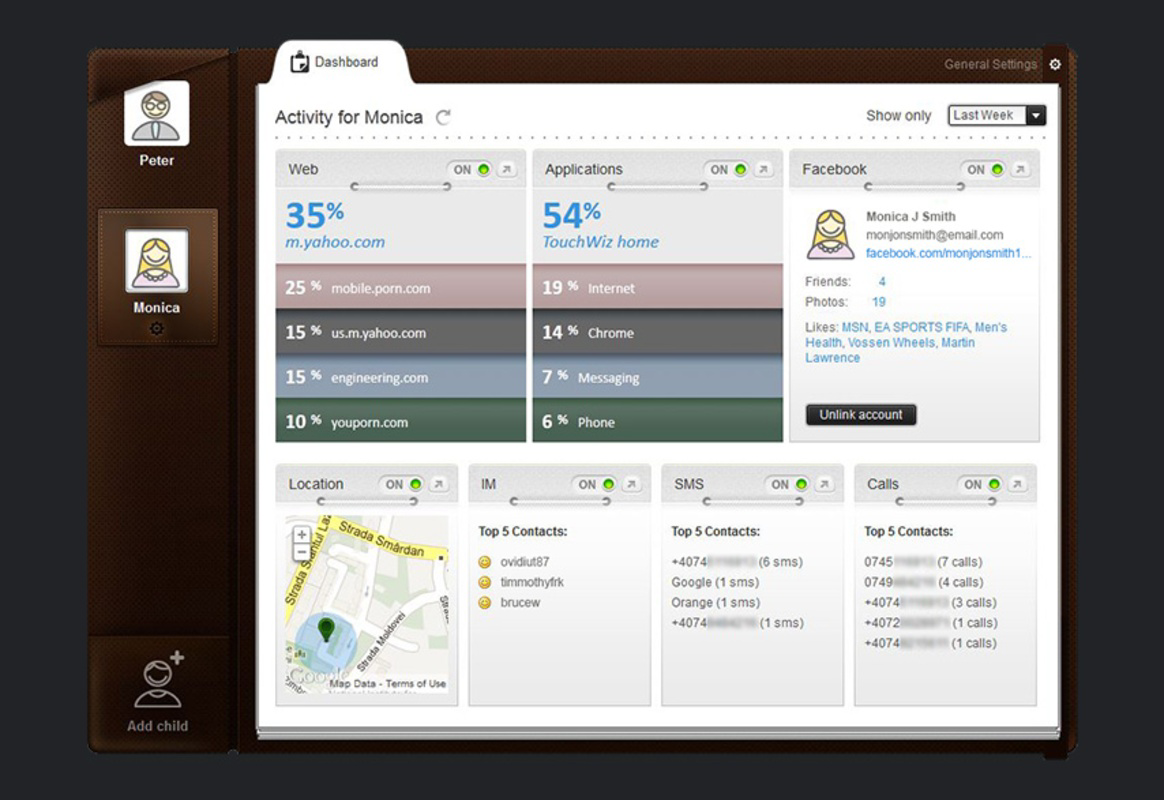
- Parental Control & Anti-Phishing: Enables parents to set browsing restrictions and monitor online activity for children. The anti-phishing component identifies and blocks deceptive websites designed to steal personal information, enhancing overall online safety.
These features serve practical use cases such as protecting financial transactions, securing personal data on shared devices, and maintaining uninterrupted gameplay. For example, a parent can use the parental control feature to restrict access to inappropriate content, while a gamer can rely on Gamer Mode to avoid lag during online matches. The anti-phishing function is especially useful when logging into banking or email accounts, reducing the risk of identity theft.
Interface, UX & Performance
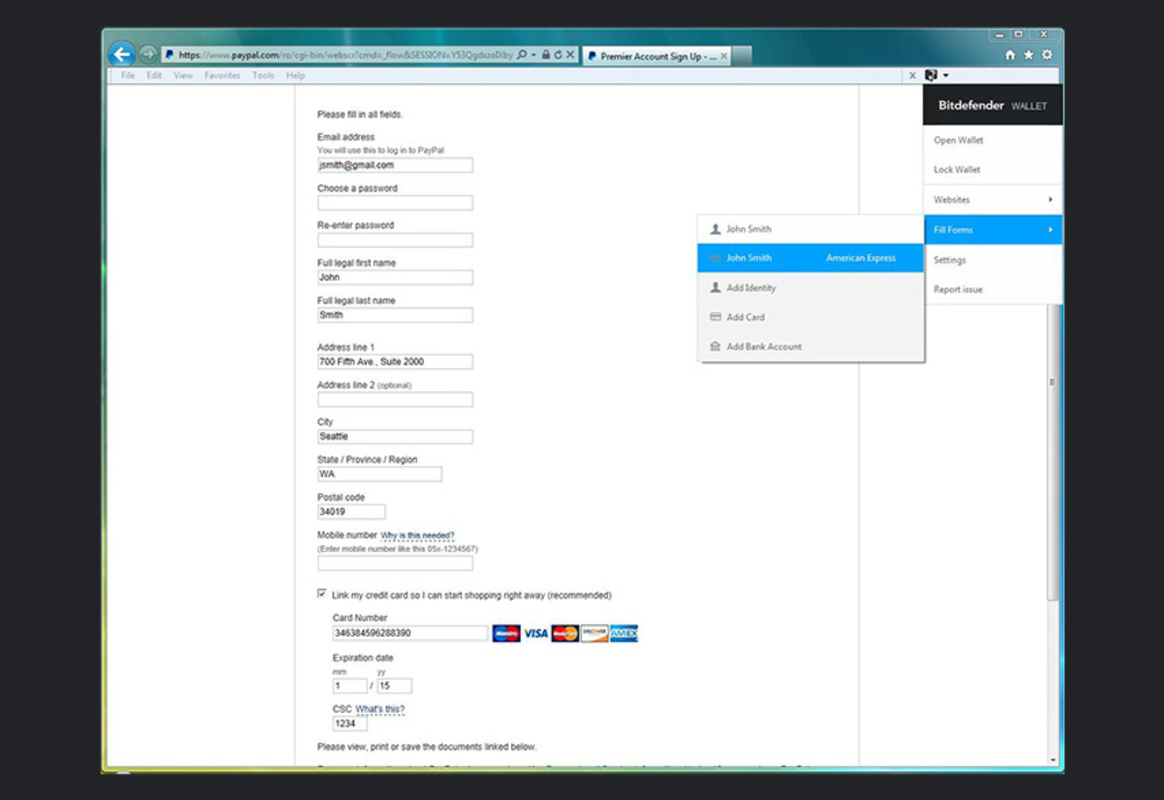
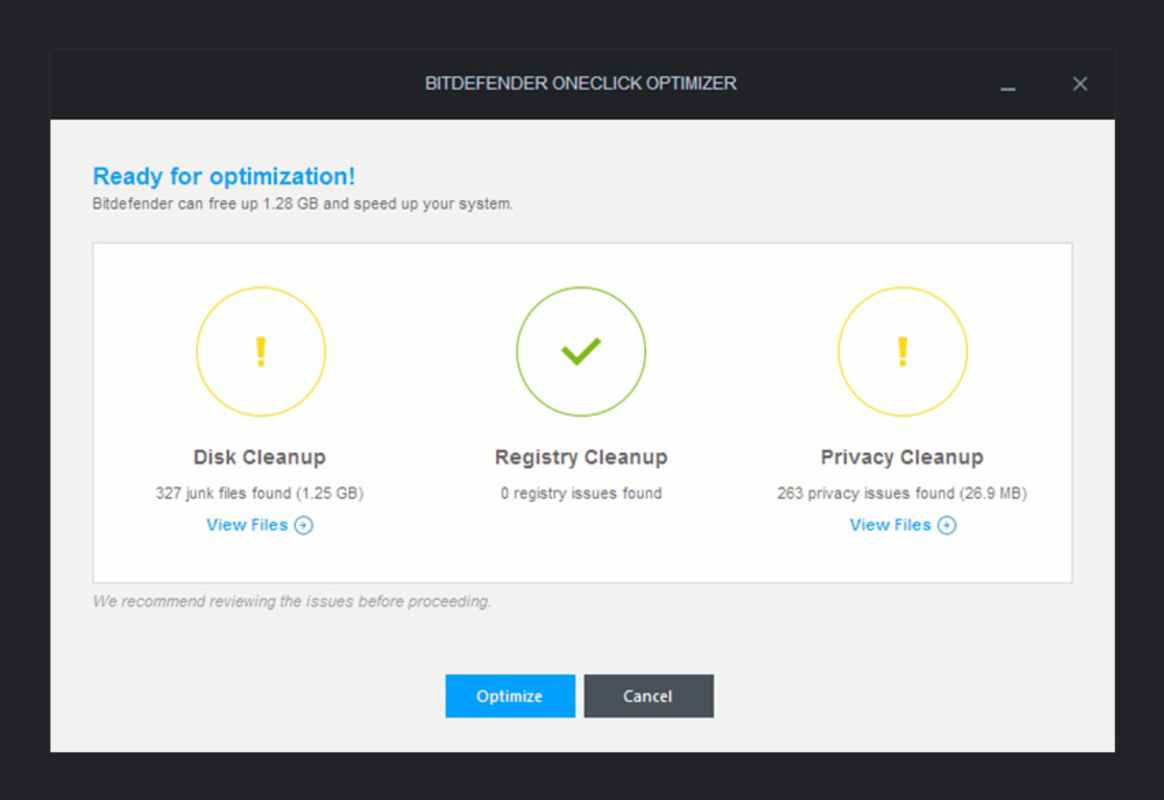
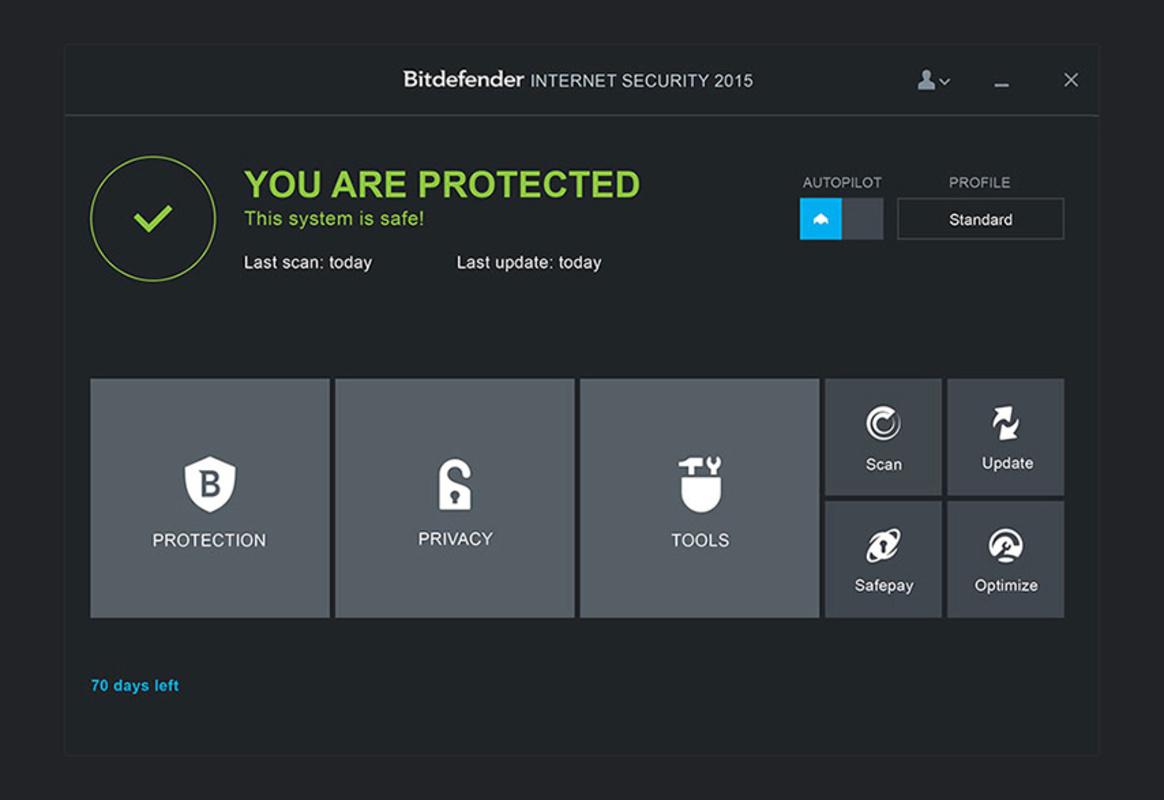
The interface of BitDefender Internet Security is designed with usability in mind, featuring a clean layout that organizes key functions into intuitive sections. Users can access protection status, scan options, firewall settings, and parental controls through a streamlined navigation flow. Visual cues such as color-coded alerts and progress indicators enhance readability and help users quickly assess their device’s security health.
Navigation is straightforward, with minimal steps required to initiate scans, adjust settings, or view security reports. The app responds promptly to user inputs, maintaining smooth performance across various device categories. Although the developer did not list formal performance metrics, the app appears optimized for efficient operation without excessive resource consumption.
Stability is maintained during extended use, with no reported crashes or freezes in typical usage scenarios. The app runs efficiently in the background, ensuring continuous protection without significantly impacting battery life or system speed. Real-time updates and background processing are handled seamlessly, contributing to a reliable user experience.
Platform Compatibility & Technical Requirements
BitDefender Internet Security is available on Android and iOS platforms, offering broad accessibility across major mobile ecosystems. The app supports the latest versions of these operating systems, ensuring compatibility with current device hardware and software environments.
The file size is reported as 45.2 MB, which is relatively compact for a security application with advanced features. This size suggests efficient code optimization and minimal bloat, allowing for quick installation and low storage impact.
The developer did not specify minimum OS requirements or device compatibility details. As such, users should verify system compatibility through official app stores before installation. No additional hardware or permission requirements were disclosed.
Pros and Cons
Pros
- Strong protection against viruses, spyware, and Trojans
- Real-time data-steal prevention enhances privacy
- Integrated firewall adds an extra layer of network security
- Gamer Mode reduces interruptions during gameplay
- Parental control and anti-phishing features support family safety
Cons
- Specific system requirements were not listed
- Compatibility with older devices is unconfirmed
- Advanced features may require user configuration
- Performance impact on low-end devices is not documented
- Updates may require manual confirmation in some cases
FAQ
Is BitDefender Internet Security safe to install on my smartphone?
Yes, BitDefender Internet Security is a trusted security solution developed by a reputable cybersecurity company. It is designed to protect your device from malware and online threats without introducing new risks.
How often does the app update its virus definitions?
The app automatically updates its threat database in real time to ensure protection against the latest threats. Users are typically not required to manually initiate updates.
Can I use BitDefender Internet Security on multiple devices?
Yes, the product supports multi-device protection. Users can install and manage the app across multiple smartphones and tablets under a single subscription.
Does the app consume a lot of battery or storage?
With a file size of 45.2 MB, the app is relatively lightweight. It is designed to operate efficiently in the background with minimal impact on battery life and storage space.
Is BitDefender Internet Security compatible with all Android and iOS devices?
While the app is available on both Android and iOS, specific compatibility with older or low-end devices has not been confirmed. Users should check their device’s operating system version and available storage before installation.
Final Thoughts
BitDefender Internet Security delivers a powerful, well-rounded approach to mobile and device security. Its combination of real-time malware defense, data-steal protection, and user-centric features like Gamer Mode and parental controls makes it a standout choice for individuals and families alike. The app balances robust protection with usability, ensuring that security does not come at the cost of performance or convenience.
Whether you're a gamer seeking uninterrupted play, a parent monitoring online activity, or a user prioritizing privacy, BitDefender Internet Security offers meaningful safeguards tailored to real-world needs. Its lightweight design and efficient operation further enhance its appeal in today’s performance-driven mobile landscape.
Download BitDefender Internet Security now


